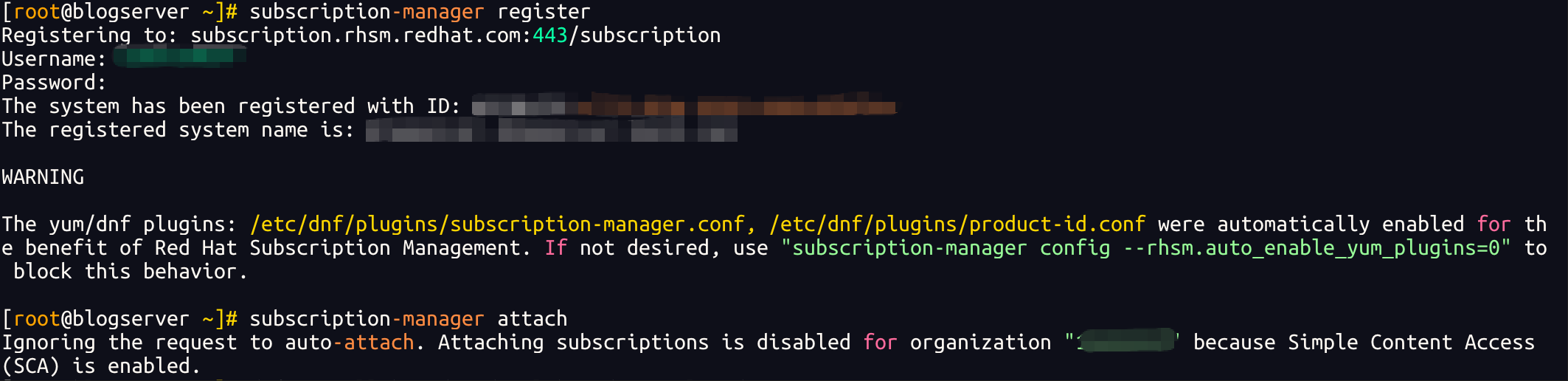
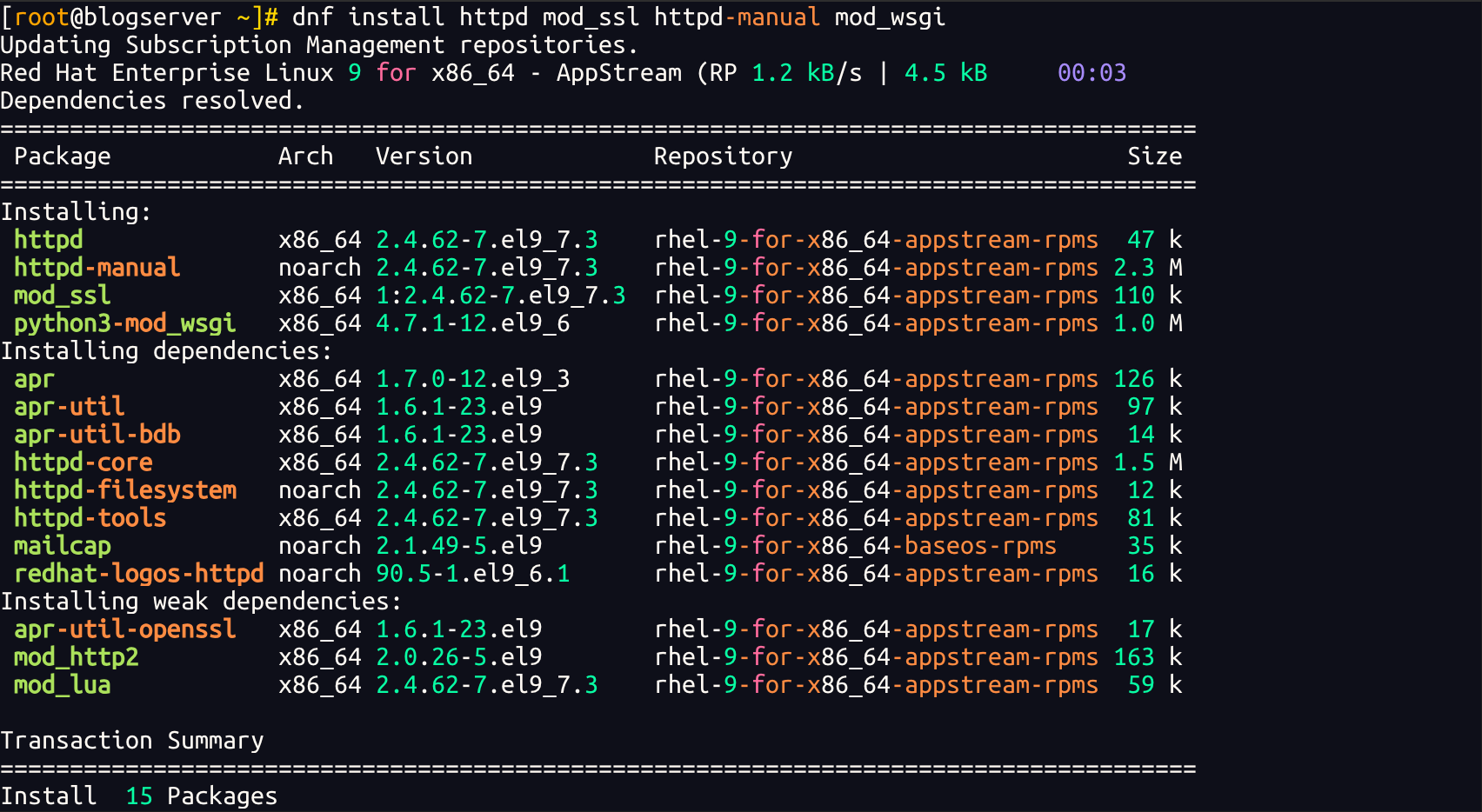
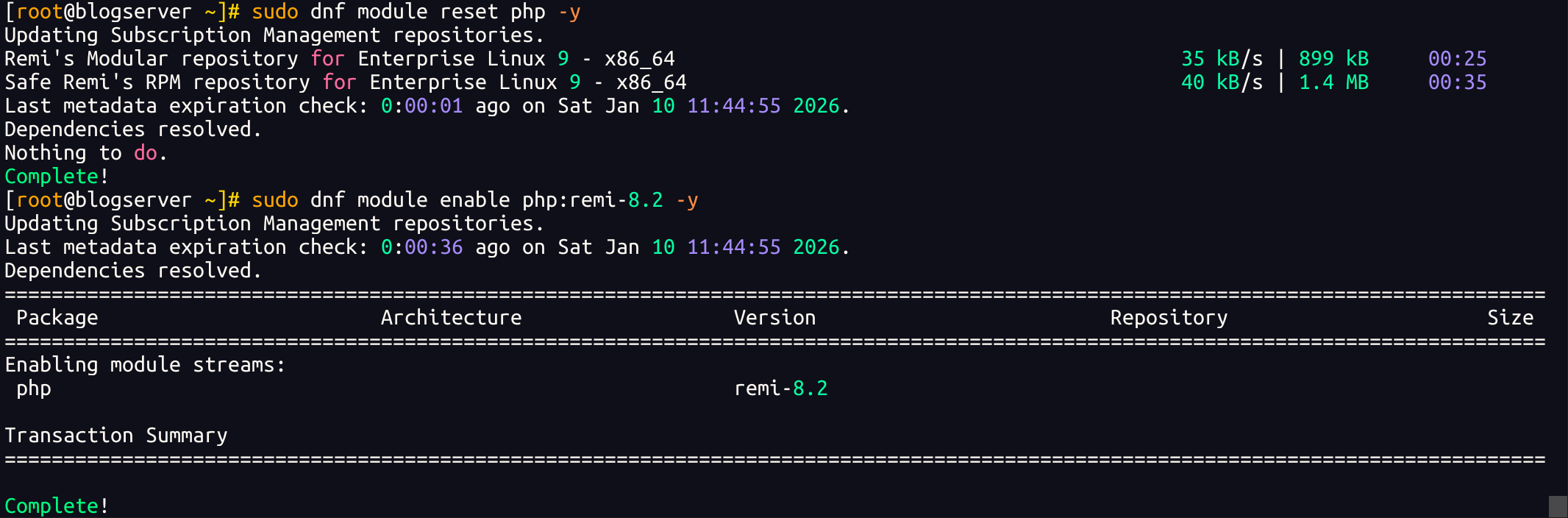
dnf install php php-fpm php-mysqlnd php-gd php-xml php-mbstring php-zip -y
### 安装 MySQL 并初始化这里仓库自带 MySQL 8.x版本,如需其他5.7等老版本可以参考官方教程进行编译安装,目前近几年的rhel8.x 9.x都不提供5.x以及更早版本的rpm包了。
dnf install mysql mysql-server -y
systemctl enable --now mysqld
初始化:
[root@blogserver ~]# mysql_secure_installation Securing the MySQL server deployment.
Connecting to MySQL using a blank password.
The 'validate_password' component is installed on the server.
The subsequent steps will run with the existing configuration
of the component.
Please set the password for root here.
New password:
Re-enter new password:
Estimated strength of the password: 50Do you wish to continue with the password provided?(Press y|Y for Yes, any other key for No) : y
By default, a MySQL installation has an anonymous user,
allowing anyone to log into MySQL without having to have
a user account created for them. This is intended only fortesting, and to make the installation go a bit smoother.
You should remove them before moving into a production
environment.
Remove anonymous users? (Press y|Y for Yes, any other key for No) :
... skipping.
Normally, root should only be allowed to connect from
'localhost'. This ensures that someone cannot guess at
the root password from the network.
Disallow root login remotely? (Press y|Y for Yes, any other key for No) :
... skipping.
By default, MySQL comes with a database named 'test' that
anyone can access. This is also intended only for testing,
and should be removed before moving into a production
environment.
Remove test database and access to it? (Press y|Y for Yes, any other key for No) :
... skipping.
Reloading the privilege tables will ensure that all changes
made so far will take effect immediately.
Reload privilege tables now? (Press y|Y for Yes, any other key for No) :
... skipping.
All done!